AI
Reviews
Science
Tech
affordable flagship killer, ASUS ROG laptops, laoptop most important, laptop reviews 2025, laptops buying guide 2025, laptops for college students, laptops for professionals, laptops for work 2025, laptops under $800, laptops with i5, laptops with Ryzen 5, laptops with SSD
ADMIN
0 Comments
Best Laptop Buying Guide 2026: Features You Must Know
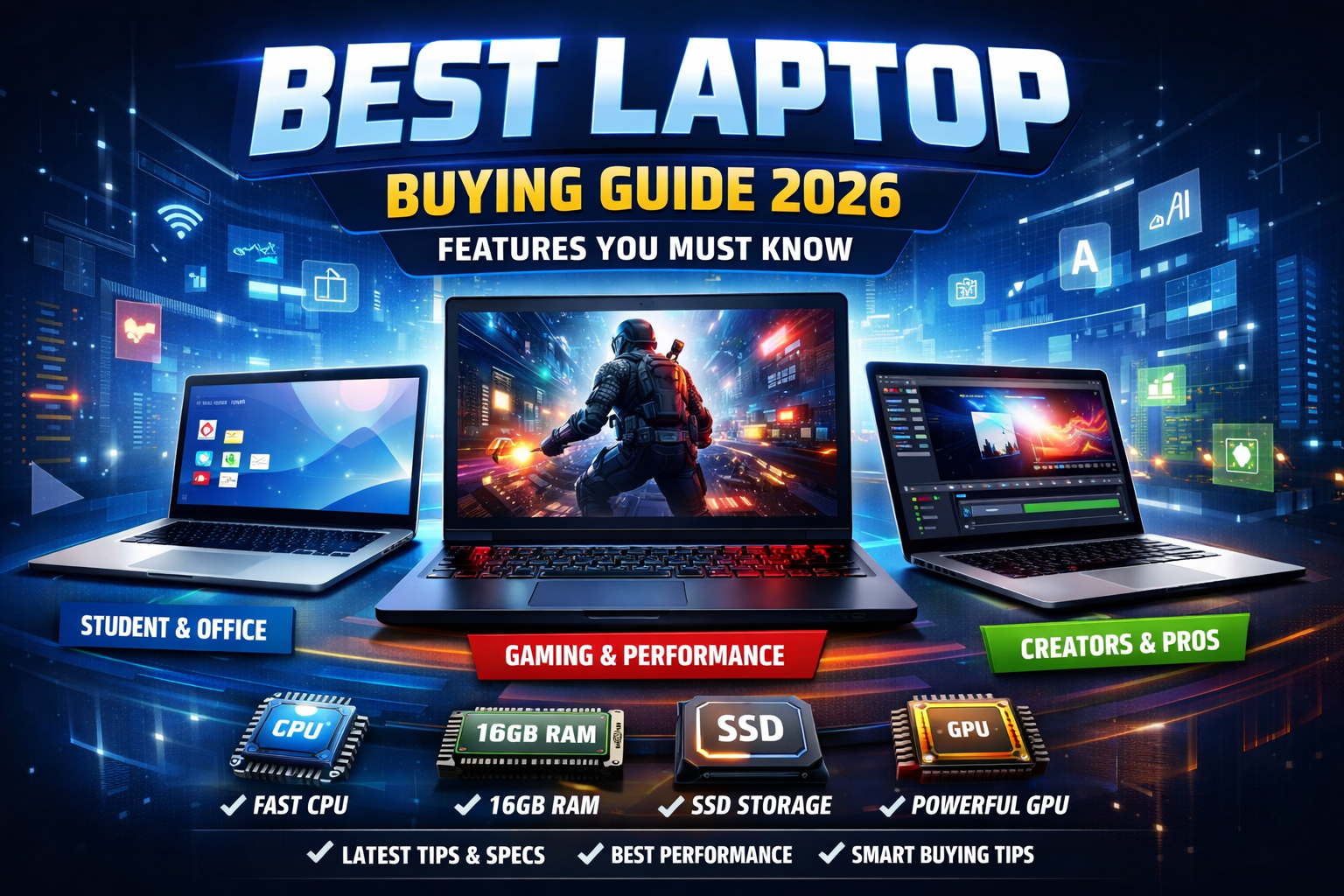
Buying a laptop in 2026 is not just about price or brand. With rapid advancements in technology, choosing the right laptop requires understanding key features that match your needs. This guide will help you make a smart and future-proof decision.
1. Choose the Right Laptop Type
Before checking specifications, decide what type of laptop you need:
- Student Laptops – Lightweight, affordable, good battery
- Office / Business Laptops – Fast performance, durability
- Gaming Laptops – High-end GPU, cooling system
- Creator Laptops – Powerful CPU, color-accurate display
- 2-in-1 Laptops – Touchscreen, tablet + laptop
- http://Intel Laptop Processors Overview

2. Processor (CPU): The Brain of the Laptop
The processor determines speed and overall performance.
Best CPU Options in 2026:
- Intel Core i5 / i7 (13th–15th Gen) – Best for most users
- AMD Ryzen 5 / Ryzen 7 (7000–8000 series) – Powerful & efficient
- Apple M3 / M3 Pro – Best for macOS users
- Intel Core Ultra – AI-powered performance (new trend)
👉 Tip:
For daily use → i5 / Ryzen 5
For heavy tasks → i7 / Ryzen 7 or higher
http://Windows 11 Features & Updates
3. RAM: Multitasking Power
RAM helps run multiple apps smoothly.
- 8GB RAM – Minimum (basic use)
- 16GB RAM – Recommended for 2026
- 32GB RAM – For gaming, editing, and professionals
👉 Always prefer upgradable RAM if possible.
4. Storage: SSD Is a Must
Never buy a laptop with HDD in 2026.
Best Storage Options:
- 256GB SSD – Basic users
- 512GB SSD – Ideal choice
- 1TB SSD – Power users
👉 NVMe SSD is faster than regular SSD.
5. Graphics Card (GPU): For Gaming & Editing
If you use design software or play games, GPU matters.
- Integrated Graphics – Office, students, browsing
- NVIDIA RTX 3050 / 4050 / 4060 – Gaming & editing
- AMD Radeon Graphics – Balanced performance
- Apple Integrated GPU – Excellent optimization
6. Display Quality: Don’t Ignore This
A good display improves productivity and eye comfort.
What to Look For:
- Screen Size: 14″ or 15.6″ (most popular)
- Resolution: Full HD (1920×1080) or higher
- Refresh Rate: 60Hz (normal), 120Hz+ (gaming)
- Panel Type: IPS or OLED
- Brightness: 300+ nits
7. Battery Life: Power That Lasts
In 2026, battery efficiency is crucial.
- 6–8 hours – Average
- 8–12 hours – Good
- 12+ hours – Excellent (MacBooks lead here)
👉 Look for fast charging support.
8. Build Quality & Design
- Metal body (Aluminum/Magnesium) = Premium & durable
- Plastic body = Budget-friendly
- Thin & lightweight for travel
- Backlit keyboard is a plus
9. Ports & Connectivity
Make sure your laptop has enough ports:
- USB-C / Thunderbolt 4
- USB-A ports
- HDMI
- Headphone jack
- Wi-Fi 6 / Wi-Fi 6E
- Bluetooth 5.3+
10. Operating System Choice
Choose based on your comfort and work:
- Windows 11 – Best for most users
- macOS – Best for creators & Apple ecosystem
- Linux – Developers & programmers
11. AI & Future-Ready Features (2026 Trend)
New laptops now include AI features:
- AI-powered processors (Intel Core Ultra)
- AI noise cancellation
- Smart performance optimization
- Built-in Copilot / AI assistants
12. Budget Planning
Set your budget first:
- Budget Range: Basic tasks
- Mid-Range: Best value for money
- Premium: High performance & durability
👉 Don’t overspend on features you don’t need.
Final Thoughts
The best laptop in 2026 is the one that matches your usage, budget, and future needs. Focus on processor, RAM, SSD, display, and battery life, and you will never regret your purchase.
Share this content:









Post Comment